I’ve been using Evernote for a while to store, well, everything I can think I might want to save. It does a lot of things right, mostly the simple things. It’s also quite infuriating when you start to look at so many simple things that EN refuses to do which could really help the software work better.
Here’s a little list of some of the shortcomings of using EN on Windows and iOS.
Shortcoming: EN doesn’t allow you to visually resize images.
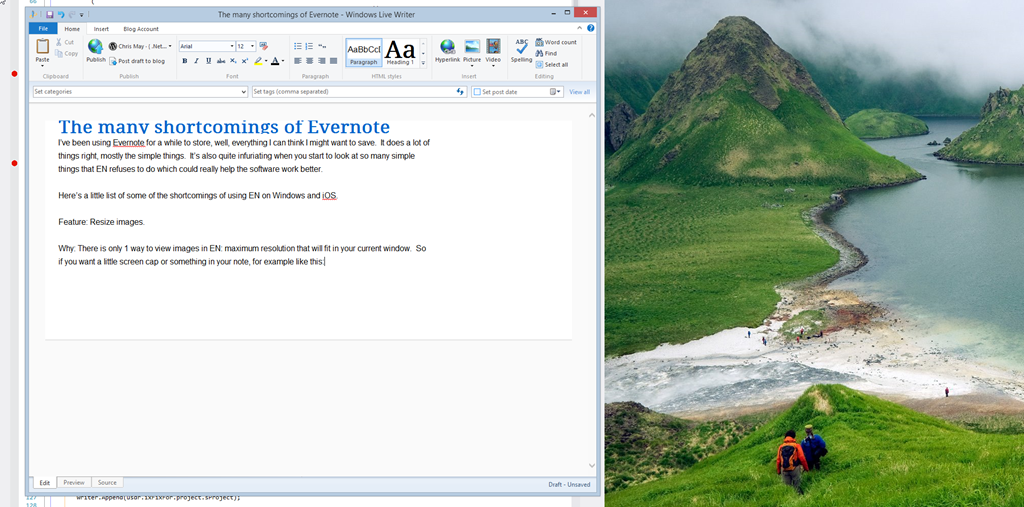
Why: There is only 1 way to view images in EN: maximum resolution that will fit in your current window. So if you want a little screen cap or something in your note, for example like this:
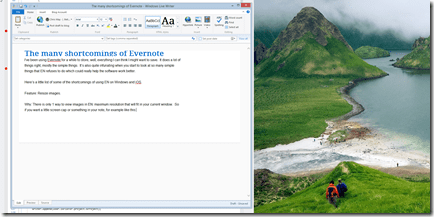
There is no way to do it. The image I just pasted and resized in 3 seconds would display in maximum resolution, filling up the rest of the screen so you’d have to scroll down to get to this bit of text here.
Difficulty to implement: Super easy. Pretty much every WYSIWYG editors, even Web/Javascript based FREE editors, offer this type of “click the corner and resize the image” resizing. It’s so basic, it’s mindblowing that EN doesn’t offer it. The thing that makes it even worse, is that their markup language, ENML does support it. So basically if you imagine, if I take a quick picture with my iphone of something I want to save EN creates this markup:
<en-media type="image/jpeg"
hash="12312fa2895704ee2a12ja123"
width="1936" height="2592" />
See that width/height? Yea if there was just a way to change those numbers, the image would resize just fine. But nope, you can’t have that feature. You just have to live with simple screen shots taking up your entire screen when you really just want them as part of a note.
Shortcoming: EN doesn’t allow you to change photo resolution
Why: My iPhone takes 8MP photos. For a small number of photos I take in EN, I would appreciate that resolution, for example when I’m taking a picture of a document. But for the vast majority, I don’t need the photo to be that large. I don’t WANT it to be that large. My phone bandwidth is limited, as is my phone storage, as is my EN bandwidth, as is my EN account storage. If I take a picture of something like a big sign outside with a phone number on it, 640×480 is perfectly fine and much preferred to a 4MB jpeg.
Difficulty to implement: On the iPhone, I’m guessing it wouldn’t be very hard, seeing as how lots of 3rd party photo apps offer this feature, but I can tell you for SURE that this is something that could be done in a matter of hours, not days, in a windows application. Resizing images (file size) is so simple, there are countless libraries that do all the work for you. I work mostly with .net applications that run on windows. If EN were a winform or WPF application, this feature would take… maybe 2 hours to implement. Add right click context menu to images, give the option of resizing to various preset or configurable sizes, and then just resize the image. So simple.
The folks at EN love to point out to the myriad people asking for this feature and the visual resize one above, that “This isn’t what we focus on. You should be using a photo editor for that.” What utter nonsense. We aren’t talking about photoshopping, we are talking about resizing a photo. If your app asks people to import photos you should allow them to do the most basic of manipulating those without relying on 3rd party tools.
What’s funny, is EN itself has an image editor of sorts: Skitch
Shortcoming: EN for windows doesn’t geotag notes.
Why: While not critical, EN supports geotags on notes so you can lookup notes that you created based on their position on a map. If you try to make use of this on a laptop you get:

So basically unless you have GPS on your laptop, you can’t use this feature.
Difficulty to implement: Trivial. Getting a location of a machine that is connected to the internet is trivial. Just look at this page and you can see what I mean. http://html5demos.com/geo It’s not perfect but it would do just fine for 98% of the time. Another option would be for EN app to just send a little ping to an EN server. From that info, the EN server could take the source IP and look up location in one of the many IP to location databases. Again, not perfect, but at least it would kinda work instead of not working at all.
I really do like EN. I plan on continue using it, but with such little extra effort these features would really help with my overall use of the product.
I’ll update this as I think of other things.







 Chris May